GB WhatsApp APK
136 MB
2.25.36.732
Android 5+
Description
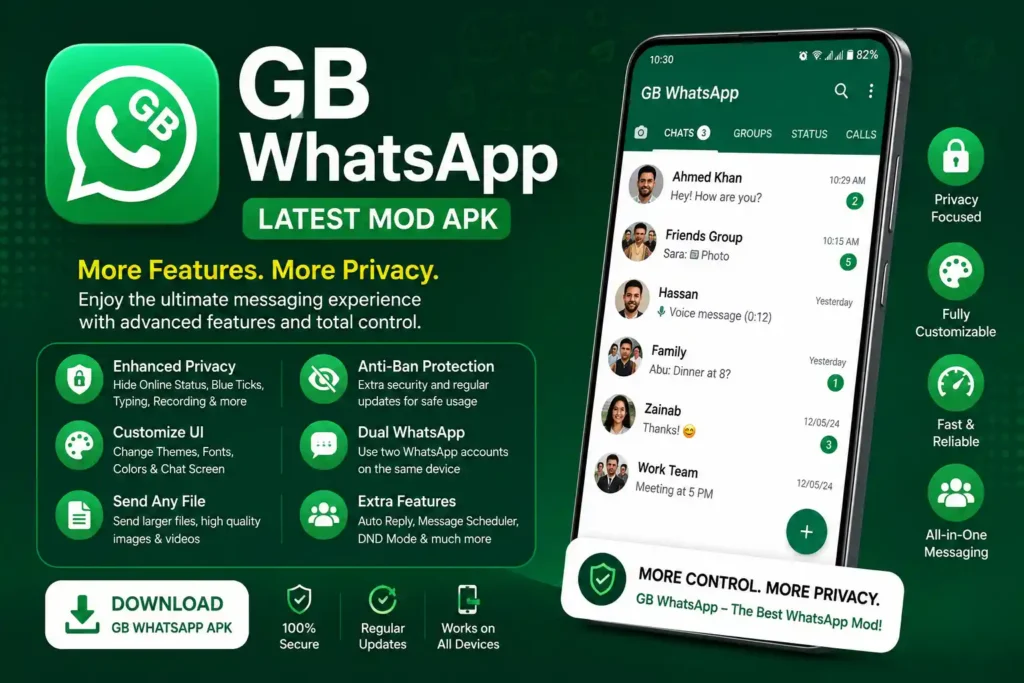
GB WhatsApp APK is a modified, third-party version of WhatsApp for Android. It is commonly associated with extra customization, privacy controls, themes, and messaging options that may not be available in the standard application.
However, this is not an official WhatsApp client. WhatsApp identifies modified versions such as GB WhatsApp as unofficial applications and warns that they can create privacy, security, and account-access risks.
Important: This is an unofficial WhatsApp modification. WhatsApp says it cannot validate the security or privacy practices of unofficial applications and warns that accounts using them may face restrictions. If official support and account stability are your priorities, use the official WhatsApp application.
Table of Contents
What Is GB WhatsApp APK?
GB WhatsApp is a modified Android messaging client distributed outside WhatsApp’s official application channels. It is created by third-party developers rather than WhatsApp or Meta.
Modified clients are generally designed to provide additional customization, privacy-related settings, themes, media options, or other functions. The exact feature set can change between builds, so information published for one release should not automatically be applied to another.
The application is not an official WhatsApp product and is not distributed through WhatsApp’s official Android download channel.
If you prefer the supported application, see our WhatsApp APK guide or visit the official WhatsApp Android download page.
At a Glance
| Information | Details |
|---|---|
| App type | Third-party modified WhatsApp client |
| Platform | Android |
| Official WhatsApp support | No |
| Distribution | Third-party APK sources |
| Customization | May include additional themes and interface controls |
| Privacy controls | May include additional visibility and read-status options |
Features
The available functions depend on the particular build. Commonly advertised options include:
- Additional privacy and visibility controls
- Custom themes and interface settings
- Modified read-receipt and typing-indicator controls
- Additional media-sharing options
- Chat and application locking
- Auto-reply and scheduling tools in some builds
- Additional conversation customization
Because these functions are build-specific, check the exact version before relying on a particular option.
Privacy Controls
Modified builds commonly advertise additional controls for online visibility, last-seen information, read receipts, typing indicators, and other activity information.
These settings can provide more control over what other contacts see, but they should not be interpreted as evidence that the modified client offers stronger overall security than official WhatsApp.
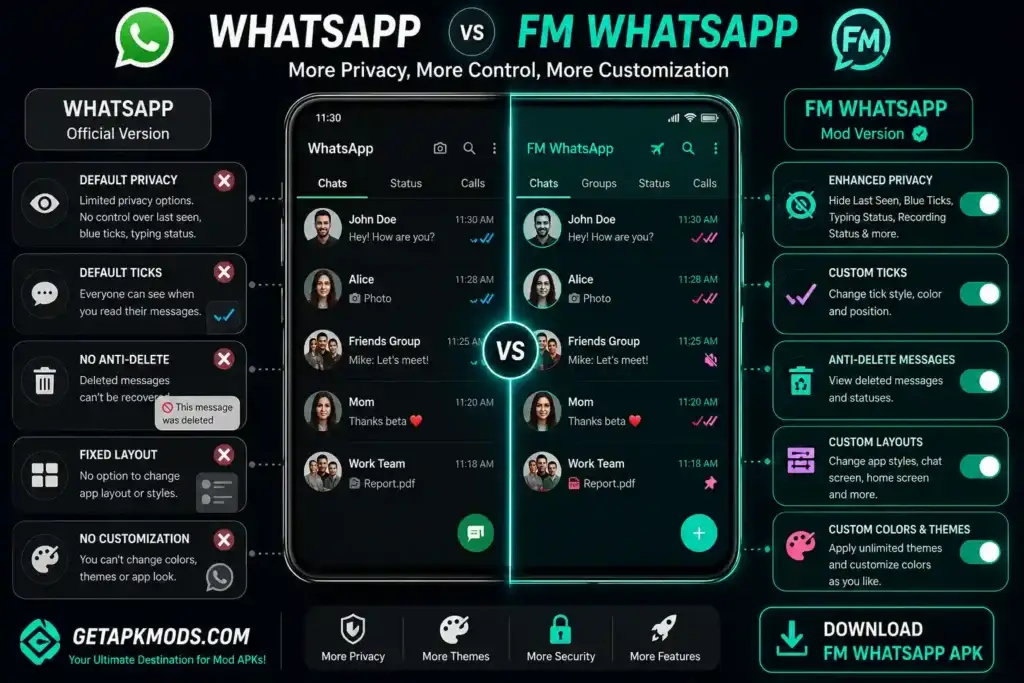
Custom Themes and Interface Options
Extra interface customization is one of the main reasons some Android users explore modified messaging clients.
Depending on the release, users may find options for changing:
- Chat backgrounds
- Colors
- Fonts
- Icons
- Conversation layouts
- Overall themes
The available customization tools can vary between releases.
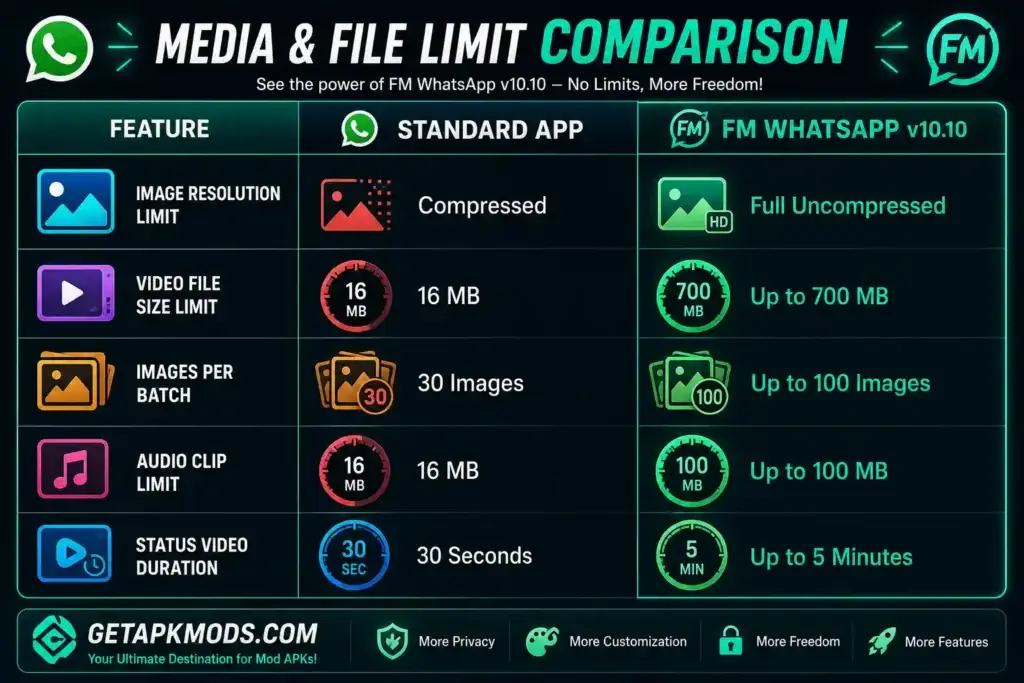
Media-Sharing Options
Some builds advertise additional options for sending images, videos, documents, and other files.
File-size limits should not be copied from outdated feature lists because they can vary between versions. Check the details associated with the specific build instead.
Auto-Reply and Scheduling
Some releases include automated reply or message-scheduling tools. These functions can be useful for users who want additional messaging controls, although availability depends on the build.
Automated or bulk messaging should be used carefully because WhatsApp has rules covering spam and abusive activity.
App and Chat Locking
Some versions advertise PIN, pattern, fingerprint, or conversation-level locking options.
These are application-level controls and should not be confused with independent verification of the software’s overall security.
Modified Client vs Official WhatsApp
The primary difference is the development and support model. Official WhatsApp is developed and supported by WhatsApp, while this type of modified client is produced by third parties.
| Area | Official WhatsApp | Modified Client |
|---|---|---|
| Developer | WhatsApp / Meta | Third-party developers |
| Officially supported | Yes | No |
| Official distribution | Yes | No |
| Additional themes | Limited compared with modified clients | May be available depending on build |
| Additional privacy controls | Official privacy settings | May offer additional controls |
| Modified features | No | Yes |
| Security practices validated by WhatsApp | Yes | No |
| Account restriction warning | Normal supported use | WhatsApp warns of possible restrictions |
WhatsApp’s current Android download page provides the supported application and its current requirements. Check the official Android requirements.
For a broader comparison, you can also read our WhatsApp APK guide.
What to Check Before Installation
Installing an APK outside an official application channel requires additional care. Before installing a modified client, understand the potential risks and protect important data.
Back Up Your WhatsApp Data
Back up important chats and media before changing your WhatsApp installation where possible.
This is particularly important when moving between official and unofficial clients. WhatsApp states that it cannot guarantee successful chat-history transfers from unofficial applications.
If you are changing phones, our WhatsApp transfer guide covers methods for moving chats and media.
Check the APK Information
Before installing a third-party package, review:
- Version number
- File size
- Android compatibility
- Package information where available
- Requested permissions
- Source of the file
A website describing a package as “verified” does not by itself prove that the file is completely safe.
Scan the APK
Where possible, scan the file with a reputable security or malware-scanning service before installation.
A clean scan cannot guarantee that software is completely safe, but it can help identify known malicious files.
How to Install the APK on Android
If you decide to install a third-party APK, the general Android process is:
- Back up important WhatsApp chats and media.
- Download the APK from a source you understand and trust.
- Open your Android file manager.
- Locate the downloaded APK.
- Tap the file to begin installation.
- If Android asks for permission to install from that source, review the setting carefully.
- Complete the installation.
- Open the application and follow its available setup process.
The exact installation menus can differ between Android manufacturers and software versions.
Is It Safe to Use?
This type of modified WhatsApp client should not be described as completely safe, risk-free, or guaranteed to avoid account restrictions.
WhatsApp’s official Help Center lists GB WhatsApp among examples of unofficial applications. The company says it does not support such applications because it cannot validate their security or privacy practices.
WhatsApp warns that unofficial applications may:
- Put privacy and security at risk
- Contain malware
- Provide no guarantee that messages and shared data remain private
- Lead to temporary or permanent account restrictions
- Create account-access problems
Read the official information in WhatsApp’s Help Center article about unofficial apps.
Anti-Ban Claims
Third-party distributors sometimes advertise “anti-ban” functionality. This should not be treated as a guarantee.
WhatsApp states that unofficial applications can result in account restrictions or bans. Therefore, no third-party description can guarantee that an account will remain unrestricted.
Account Restrictions
WhatsApp states that using unofficial applications can result in account restrictions. Users may also receive messages asking them to switch to the official application.
If you receive an unofficial-app warning, follow WhatsApp’s recommendation to return to the supported application rather than relying on claims that another modified build will permanently bypass the restriction.
Privacy Considerations
WhatsApp says it cannot validate the privacy and security practices of unofficial applications.
Users should therefore avoid entering highly sensitive information into a modified messaging client, including:
- Banking credentials
- Passwords
- Authentication codes
- Recovery codes
- Confidential business information
- Sensitive personal documents
Can You Use It With Official WhatsApp?
Some modified builds have historically used different package identifiers, which can allow separate installations on certain Android devices.
However, this behavior depends on the particular build and Android environment. Installing both applications also does not remove the security and account risks associated with using an unofficial client.
If your goal is to use multiple accounts, check WhatsApp’s officially supported options rather than assuming a modified application is required.
What If It Stops Working?
A third-party WhatsApp client can stop working because of an outdated build, compatibility issues, changes to WhatsApp’s service, installation conflicts, or account restrictions.
WhatsApp may ask users of unofficial applications to switch to the official application.
If you decide to return to official WhatsApp:
- Back up important information where possible.
- Remove the unofficial application.
- Download the official WhatsApp application.
- Verify your phone number.
- Follow the supported restoration process.
WhatsApp warns that it cannot guarantee successful chat-history transfers from unofficial applications.
You can read WhatsApp’s official guidance about unofficial applications.
FAQs
Is it official?
No. GB WhatsApp is an unofficial modification developed and distributed by third parties. WhatsApp explicitly identifies it as an example of an unofficial application.
Is it safe?
WhatsApp does not support or validate the security and privacy practices of this type of modified client. The company warns that unofficial applications can create privacy and security risks.
Can my number be banned?
There is a risk of account restrictions or bans. WhatsApp states that using unofficial applications can lead to temporary or permanent restrictions.
Does it have an anti-ban feature?
Some distributors advertise anti-ban functionality, but it should not be treated as a guarantee. WhatsApp can still restrict accounts using unofficial applications.
Can I install it on Android?
GB WhatsApp is distributed as an Android APK and is designed for Android devices. Compatibility depends on the particular build and Android version.
Can I use it alongside official WhatsApp?
Some builds may support separate installations, but this depends on the package configuration and Android device. Using an unofficial client still carries the risks identified by WhatsApp.
Can chats be transferred to official WhatsApp?
WhatsApp says it cannot guarantee successful chat-history transfers from unofficial applications to the official WhatsApp application.
Why isn’t it on Google Play?
GB WhatsApp is an unofficial modified client rather than the official WhatsApp application. WhatsApp recommends downloading its supported Android application through its official channels.
Final Thoughts
GB WhatsApp may appeal to Android users interested in additional customization, themes, privacy-related controls, and modified messaging features.
Its unofficial status, however, is the most important consideration. WhatsApp does not support this client, cannot validate its security and privacy practices, and warns that unofficial applications may expose users to security risks and account restrictions.
If you are researching this modified client, evaluate the exact build rather than relying on generic “anti-ban,” “100% safe,” or “risk-free” claims.
For users who want official support and predictable updates, read our WhatsApp APK guide or download WhatsApp directly from the official WhatsApp Android page.
If you are changing phones or need to preserve your conversations, you can also use our WhatsApp transfer guide.