PicsArt Pro APK (Premium/Gold Unlocked)
75 MB
v30.2.3
Android 6+
Description
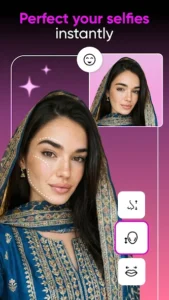
PicsArt Pro APK is a popular Android photo and video editor for creating social posts, thumbnails, collages, stickers, memes, and other visual content. It combines traditional editing tools with filters, effects, fonts, templates, background tools, and AI-powered features, so you can handle different types of creative work without switching between several apps.
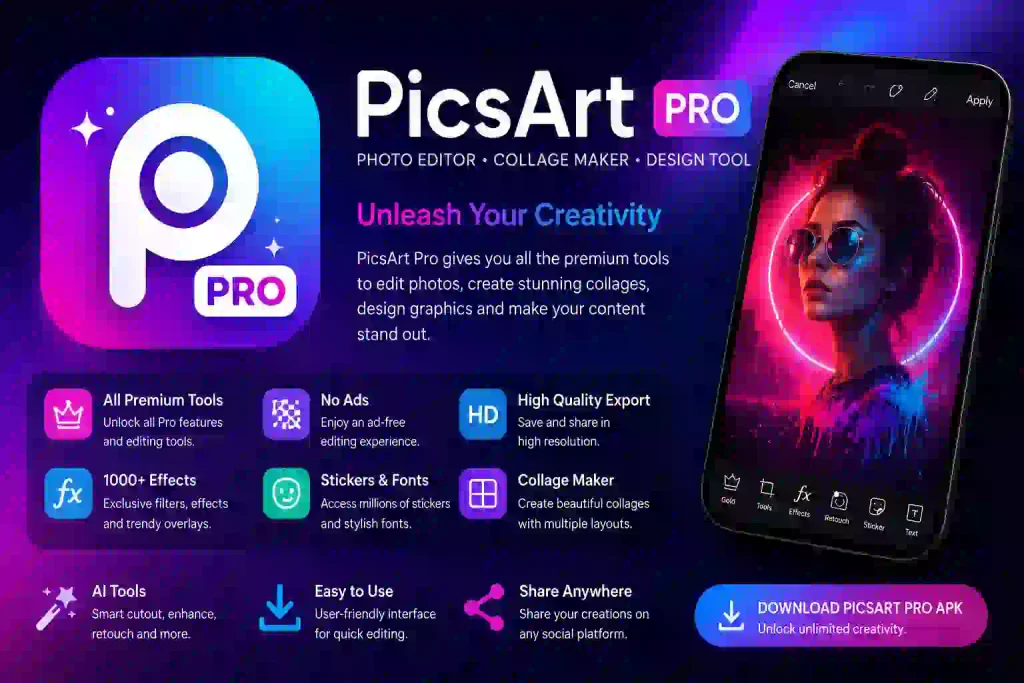
The version listed here is PicsArt v30.2.3, with a reported size of 75 MB and support for Android 6.0 and above. The MOD version is listed with Premium/Gold-related features, although the exact changes can vary between modified releases.
Table of Contents
PicsArt Pro APK Details
| Information | Details |
|---|---|
| App Name | PicsArt |
| Version | 30.2.3 |
| Size | 75 MB |
| Android | 6.0+ |
| Category | Photography |
| MOD Features | Premium/Gold features claimed |
What Is PicsArt Pro APK?
PicsArt brings photo editing, video editing, collage creation, stickers, text, filters, effects, and creative templates together in one app. Its official platform also includes AI-powered tools and features for tasks such as background removal, object removal, image enhancement, and other creative workflows.
For users who regularly create content on Android, this makes PicsArt useful for everything from quick photo adjustments to more involved social-media designs.
The Pro or MOD APK is different from the official application. A modified release may advertise access to premium or Gold features, but those modifications are made by third parties. Features can therefore vary from one build to another.
PicsArt MOD APK Features
Premium and Gold Features
The main attraction of a PicsArt MOD APK is the possibility of accessing features and creative resources normally associated with premium access. The release listed on this page is described as having Premium/Gold-related features, but these should be considered release-dependent claims, not permanent guarantees.
AI-Powered Editing
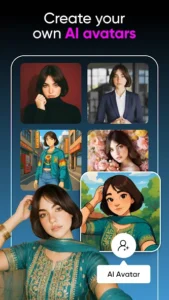
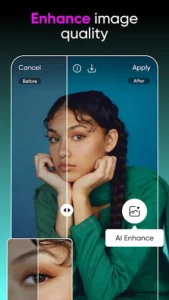
PicsArt has increasingly incorporated AI into its creative tools. Depending on the version and account, users can access tools for image enhancement, background changes, object removal, and AI-assisted creation. The official PicsArt platform currently offers a broad range of AI image, video, and design tools.
Background and Object Editing
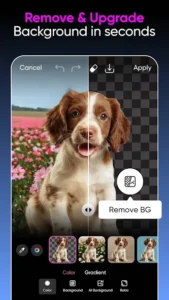
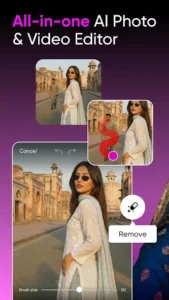
Removing an unwanted object or changing the background can save considerable editing time. PicsArt’s official editor includes tools for removing objects, changing backgrounds, and removing an entire background from an image.
Filters, Effects, and Text
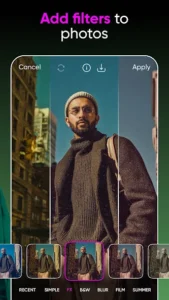
The app includes a large selection of visual effects, filters, fonts, stickers, and text tools. These can be combined to create anything from simple profile pictures to more stylized social-media graphics.
Templates, Stickers, and Collages
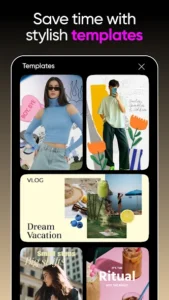
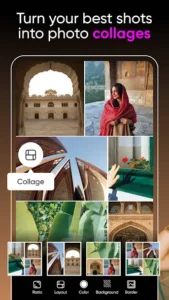
Templates and ready-made creative assets are useful when you want to start with a design rather than build everything from an empty canvas. PicsArt also supports collage creation, stickers, memes, and other visual formats.
Photo and Video Editing
PicsArt isn’t limited to still images. Its official app combines photo and video editing, allowing users to trim and edit videos, add effects and stickers, and prepare content for social platforms.
If your main focus is video editing, you can also compare it with our CapCut Pro APK guide.
Official PicsArt vs MOD APK
The official PicsArt application is distributed through authorized channels, while a MOD APK is modified by a third party.
| Feature | Official PicsArt | MOD APK |
|---|---|---|
| Distribution | Official channels | Third-party source |
| Updates | Official updates | Depends on the release |
| Premium access | Based on official plan | May be modified |
| Ads/restrictions | Depends on official plan | May be changed |
| Support | Official PicsArt support | No official support |
PicsArt provides its official Android application through its own download page and Google Play.
This distinction is worth keeping in mind when choosing between the official app and an unofficial modified build.
PicsArt Free vs Pro/MOD
The standard version is enough for many everyday editing tasks, while premium access is aimed at users who need additional creative resources and advanced features.
A MOD APK may attempt to make some premium features available without the normal subscription, but the result depends on the particular modification. Features that depend on PicsArt’s servers, account status, or online services may not behave the same way in a modified version.
How to Install PicsArt Pro APK
Installing an APK manually is straightforward:
- Download the PicsArt APK to your Android phone.
- Open the downloaded file through your browser or file manager.
- Allow installation from that source if Android requests permission.
- Start the installation and wait for it to finish.
- Open PicsArt and check the available tools after installation.
If you already have the official PicsArt application installed, an unofficial APK may not install over it because of differences in signing or package configuration. Back up important projects before replacing an existing installation.
Why Is PicsArt APK Not Installing?
If the APK fails to install, first check the Android requirement and make sure the download completed correctly. An existing PicsArt installation can also cause a conflict when the modified package uses a different signature.
If the problem continues, remove the incomplete installation, download the APK again, and check whether your device has enough free storage.
For official troubleshooting and account-related problems, the PicsArt Help Center provides documentation covering app settings, downloads, accounts, subscriptions, and common issues.
Is PicsArt MOD APK Safe?
A third-party MOD APK should not automatically be considered completely safe. Unlike the official PicsArt application, a modified package has been changed by someone outside the official development process.
Before installing one, check the source, version, file size, Android compatibility, and requested permissions. Keep Android’s security protections enabled and avoid granting unnecessary access to an unfamiliar application.
If you prefer the official version, PicsArt provides its Android download through its official website and Google Play.
Frequently Asked Questions
What is PicsArt Pro APK?
PicsArt Pro APK generally refers to an Android version of PicsArt associated with premium or Pro features. When the APK has been modified by a third party, it should be treated as an unofficial release.
Is PicsArt Pro APK free?
The MOD version may be distributed without the normal subscription payment, but the official PicsArt service uses its own free and paid access model. A modified APK may also have different limitations depending on its build.
Does PicsArt Pro MOD APK require root?
A standard APK installation does not normally require root access. If a particular modified release has additional requirements, follow the instructions supplied with that release.
Can I install PicsArt Pro MOD APK over the official app?
Not necessarily. Signature or package differences can prevent an unofficial APK from updating the official installation. Back up your important projects before removing or replacing the existing app.
Why are premium features not working?
MOD features can differ between releases. Some PicsArt functions may also depend on an account, online connection, or server-side service, so a modified APK cannot guarantee that every premium feature will work.
What Android version does this version require?
The version listed on this page is intended for Android 6.0 and above.
Can PicsArt Pro edit videos?
Yes. PicsArt supports both photo and video editing, with tools for effects, stickers, trimming, and other creative adjustments.
Final Verdict
PicsArt remains a strong choice for Android users who want photo editing, video tools, creative effects, templates, stickers, and AI-assisted features in one place. The PicsArt Pro APK v30.2.3 listed here may be useful for users looking for a modified version with Premium or Gold-related features.
Just remember that MOD features are dependent on the particular release. If a specific feature is important to you, check it after installation rather than assuming that every advertised modification will work.
For the official application, current features, and supported platforms, you can also check PicsArt’s official apps page.
What's new
What's New
-
Improved overall performance and stability for smoother editing.
-
Fixed minor bugs affecting editing tools and app navigation.
-
Added fresh stickers, templates, and creative content.
-
Refined the editing experience for faster and more reliable results.
-
More new content and creative resources are added regularly.
Images